Enterprise WhatsApp Integration

WhatsApp Integration with Microsoft 365, Outlook, Teams, Copilot & Power Automate

Most organisations rely on Microsoft 365 for email, collaboration, and compliance, yet client conversations increasingly take place on WhatsApp, creating fragmented records and operational risk.

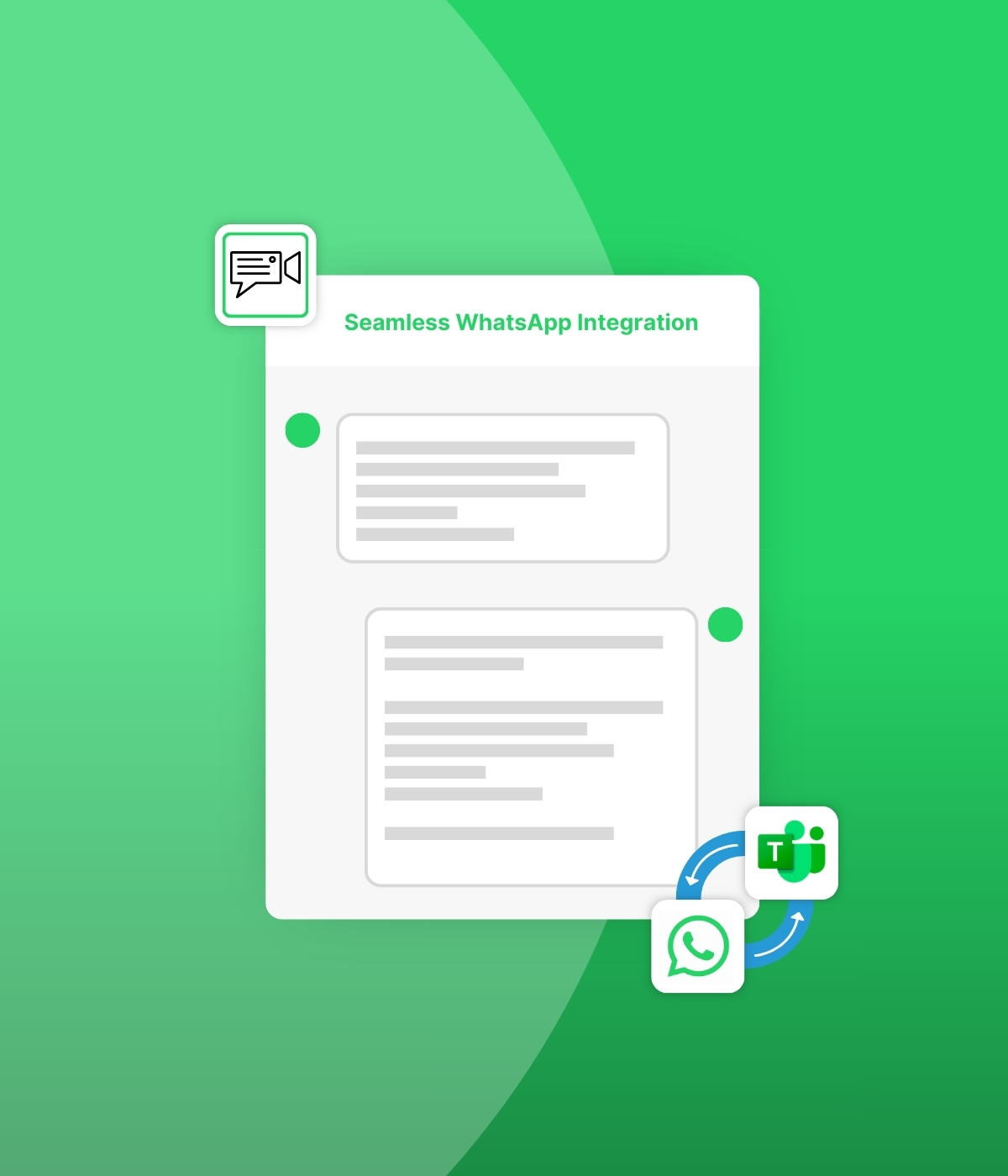
ClientWindow integrates WhatsApp directly into Outlook and Microsoft Teams, bringing client messages into the tools your team already uses without adding new inboxes.

It also enables automation and AI through Copilot and Power Automate, so WhatsApp conversations can trigger workflows while remaining governed, auditable, and compliant.
Sign up now
Book a Demo
illustration of a circuit

Platform Capabilities

icon of settings cog

Official WhatsApp Business Accounts

Build client trust using official WhatsApp Business Accounts while centralising conversations away from personal devices and messaging silos.

WhatsApp Within Existing Tools

Manage client WhatsApp conversations directly within Outlook, Teams, Gmail, or Slack,preserving existing workflows and reducing software sprawl.
iconc of files in a folder

Centralised Administration and Permissions

Control access, chat creation, and group membership through centralised administration with granular, role-based permissions.
icon of notification bell

1-to-1 and Group WhatsApp Chats

Admin-managed one-to-one or group conversations involving multiple WhatsApp contacts and internal participants.
icon of speech bubble and a shield

Smart Message Routing

Scalable,automatic routing of WhatsApp messages to the correct internal participants based on chat membership and sender details.

Additional Features

ClientWindow document sharing icon in white

Pre-Approved WhatsApp Templates

Automatically provision WhatsApp templates, enabling uninterrupted client messaging beyond the standard 24-hour response window.
icon of speech bubble and a shield

Oversight, Compliance & ISO 27001

Shared visibility of WhatsApp conversations for collaboration, supervision, and compliance under a certified ISO 27001 security framework.
icons with speech bubbles

WhatsApp Voice Messages

Capture WhatsApp voice notes as audio and automatically transcribe them for action tracking, search, audit, and eDiscovery.
ClientWindow group of people icon in black

Convert Website Visitors into Enquiries

Convert website visits into enquiries with convenient WhatsApp contact from your website.
ClientWindow data protection icon in black

Granular Access Controls & Privileges

Enables detailed user roles and permissions to ensure secure, compliant management of WhatsApp conversations.

WhatsApp Integration with Outlook

Manage WhatsApp communication directly inside Outlook.
  • Send and receive WhatsApp messages as emails
  • Rapid-fire WhatsApp messages grouped into a single email
  • WhatsApp voice messages received as audio files
  • Automatic transcription of WhatsApp voice messages
  • Send WhatsApp voice messages with internal transcriptions
  • Select WhatsApp contacts for new chats from the Outlook Add-In
  • Automatic removal of email signatures from outbound WhatsApp messages

WhatsApp Integration with Microsoft Teams

Manage and respond to WhatsApp conversations inside Microsoft Teams.

  • ClientWindow Chat Add-Infor Teams
  • Available for desktop and mobile Teams apps
  • Send and reply to WhatsApp chat messages
  • WhatsApp voice messages received as audio files
  • Automatic transcription of WhatsApp voice messages
  • Send WhatsApp voice messages with internal transcriptions
  • New WhatsApp message notifications via the Teams notification bell

Using WhatsApp with Microsoft Copilot and Power Automate

Powerup client WhatsApp conversations by connecting AI and automation into everyday workflows.

ClientWindow allows firms to leverage the AI and automation capabilities already available within their existing business communication tools for WhatsApp messaging, including:
  • Drafting or sending WhatsApp replies
  • Finding relevant documents and sharing them via WhatsApp
  • Summarising WhatsApp conversational history
  • Creating tasks based onWhatsApp communication
  • Sending structured requestsfor information over WhatsApp
  • Chasing outstanding information, documents, and payments

Automating Business Workflows from WhatsApp Messages

Extend the power of your business applications by syncing WhatsApp conversations withthem.

Typical business applications already integrate client email communication. By implementing ClientWindow, these solutions can also manage client WhatsApp messaging, delivering:

  • Single source of truth for client communication
  • Reduced operational risk and lower admin overhead
  • Workflow and messaging automation
  • Improved compliance, audit,and risk management
  • Faster responsiveness and improved client satisfaction
  • Stronger internal collaboration and coordination

WhatsApp Compliance, Governance and Archiving in Microsoft 365

Firms in professional services and regulated environments rely on established governance and archiving solutions for email monitoring, compliance, risk management, eDiscovery, and retention.

ClientWindow enables organisations to apply the same governance and archiving controls to client WhatsApp communications as they already apply to email, including integration with existing compliance infrastructure.
  • Regulatory compliance without compromising client experience
  • Full auditability of WhatsApp communications
  • Reuse of existingcompliance and archiving infrastructure
  • Reduced risk of off-channel communication breaches
  • A future-proof governance model for modern messaging
FREE GUIDE

Practical Insights to Using WhatsApp with Microsoft 365

This guide explains how organisations can integrate WhatsApp into Microsoft 365 securely and compliantly, bringing client conversations into Outlook and Teams to reduce fragmentation and risk. It also explores how to apply governance, retention, automation, and AI to create a scalable, enterprise-ready client messaging framework.

Sign up now
Download Guide
Book a demo to see how ClientWindow integrates WhatsApp into Microsoft 365, enabling secure, compliant, and automated client communication.
Book a demo